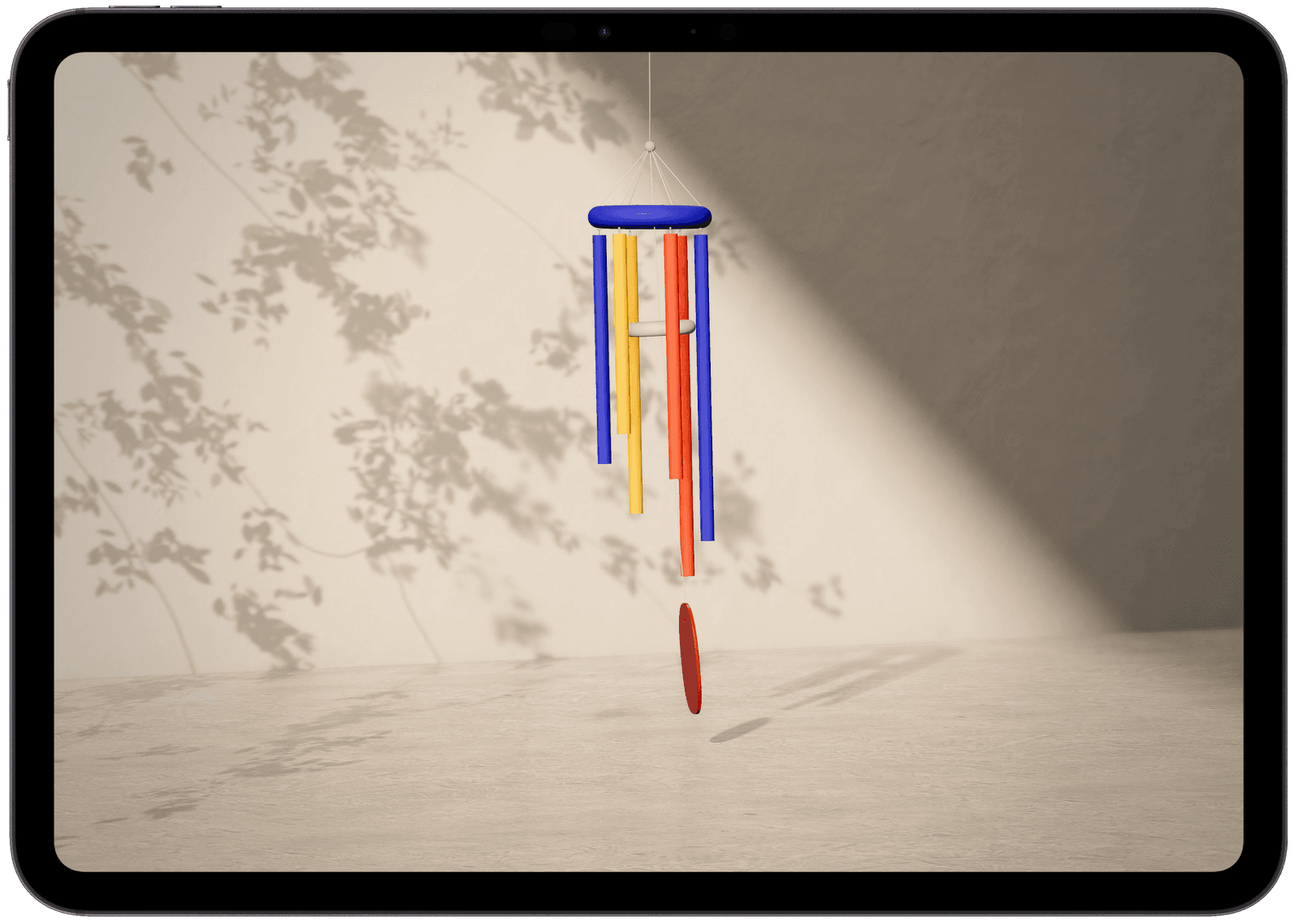

Wind Chimes is a physical modeling ambient music exploration. Simulated wind swings one of three rigs, and every strike plays a sound as it happens "physically", never looped or faked. Pick a rig, a scale and how hard the wind blows, then leave it playing.
Features
- Three rigs. A tubular rig. A glass furin, inspired by the Japanese wind bell, and a mobile of stone, wood and copper.
- Wind that plays. WIND sets the mean wind speed. It changes how the rig moves and how much it plays, not how loud it is. Gusts and lulls come and go on their own.
- Six scales. Pentatonic, Lydian, Dorian, Hijaz, Just Major and Whole Tone. Hijaz and Just Major keep their real intervals instead of rounding to the piano's equal temperament.
- Synth mode. Off is the rig's own voice. Bloom, Breath and Glass layer a synthesizer over it that follows the harmony; Cycle turns through the three.
- MIDI out. Every strike can become a note on another instrument, as plain MIDI or MPE.
- Reverb and delay. The reverb is built the way a real room behaves: early reflections from an actual room's geometry, a tail that thickens as the echoes build, highs fading before lows. The delay leans toward Frippertronics and the Binson Echorec. Two tape heads in golden proportion, so the repeats never line up, each one a little darker and a little unsteady, like old tape.
Demonstration

Use cases
- Ambient music. Leave it running while you work or read.
- An improvising partner. All three rigs follow one harmonic clock that moves through the chords on its own, and the display shows where it is heading before it gets there — G → D, Suspended → Major. Play along on your own instrument and meet it at the change.
- Drive your own sounds. Send the strikes over MIDI to a synth or your DAW and let the wind play them.
Details
- Real time rendering. Light through a window, a tree's leaf shadows moving in the wind, a satin floor. Rendered in real time with WebGPU.
- Desktop, tablet and phone. On a phone the controls sit in a drawer at the bottom of the screen.
Requirements
- A browser with WebGPU. Chrome or Edge 113 or later; Safari 26 or later, on macOS, iPadOS and iOS. Other browsers get a short note instead of a lesser version.
- MIDI out needs Chrome or Edge. Safari has no Web MIDI, so the MIDI section doesn't appear there.
FAQ
Is it free?
Yes. It runs in your browser — nothing to buy, nothing to install, no account.
Is the sound sampled?
Not on the tubes or the furin. Every strike is computed as it happens: each tube is solved as a free–free beam and the furin as a glass shell, and where the striker lands shapes the timbre. Nothing loops. The stones are the one exception — that rig plays recorded samples.
Why doesn't it make sound until I tap?
Browsers don't let a page start audio on its own. Tap, click or press a key anywhere and the chimes start.
Why does it need WebGPU?
The room is rendered in real time — the light through the window, the leaf shadows moving in the wind, the reflections on the floor — and that rendering is built on WebGPU. Rather than show a lesser version on a browser without it, Wind Chimes shows a short note saying it can't run there. It needs Chrome or Edge 113 or later, or Safari 26 or later on macOS, iPadOS and iOS.
Does it work on my phone?
Yes, on an iPhone with Safari 26 or later. On a phone the controls sit in a drawer at the bottom of the screen.
Can I use it with my DAW?
Yes, through MIDI out. Every strike that sounds can also become a note on another instrument — a hardware synth, or a track in your DAW. Choose Plain for anything that speaks MIDI, or MPE: it gives each note its own channel and pitch bend, so the tunings that aren't equal-tempered (Just Major, Hijaz) arrive at their exact pitch, and where the striker landed comes through as timbre. MIDI out needs Chrome or Edge; Safari has no Web MIDI.
Does the wind make it louder?
No. WIND changes how the rig moves and how much it plays, not the volume. Gusts and lulls come and go on their own.